> For the complete documentation index, see [llms.txt](https://polymarketguide.gitbook.io/polymarketguide/llms.txt). Markdown versions of documentation pages are available by appending `.md` to page URLs; this page is available as [Markdown](https://polymarketguide.gitbook.io/polymarketguide/resolution/process/discord-channels.md).
# Discord Channels
You can follow the resolution process on the **Polymarket and UMA Discords**.
### Request a Proposal
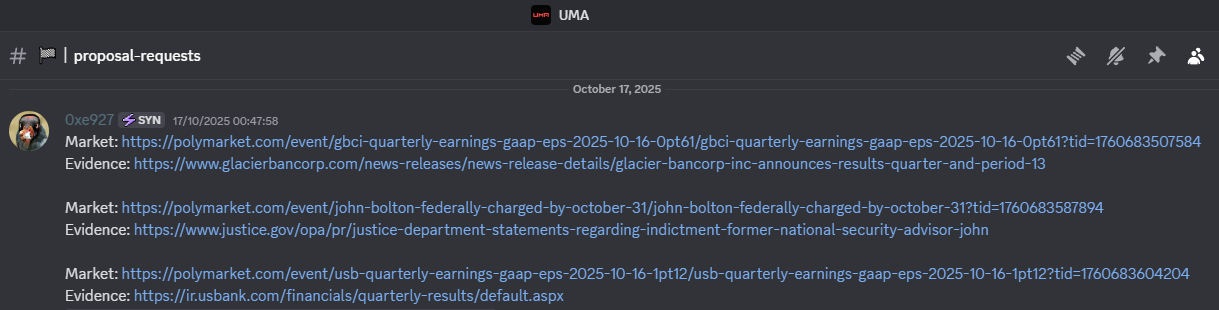
To request that someone submit a proposal, you can post the request alongside supporting evidence in the **#proposal-requests** channel on either the Polymarket or UMA Discord.
On the UMA Discord, you can also submit a request through the **#proposal-requests-bot** channel.
### Submitted Proposals
After a proposal is submitted, you can find it in the **#proposals** channel on the Polymarket Discord.
### Request a Dispute
To request a dispute, you can post the request in the **#dispute-requests** channel on the UMA Discord.
### Discuss Disputes
If a proposal is disputed, both the Polymarket and UMA Discords create a thread for discussion: **#review-threads** on Polymarket and **#dispute-threads** on UMA.
### Market Resolved
When the oracle confirms the final result, the outcome is posted in the **#resolutions** channel on the Polymarket Discord.